Planet Chunked LOD
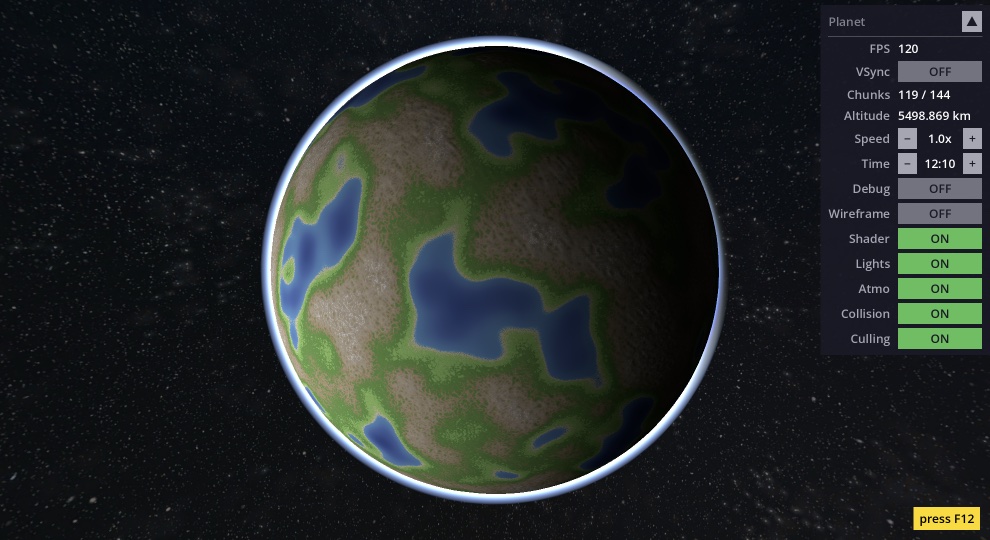
A procedurally generated planet with dynamic level-of-detail, written entirely in GDScript for Godot 4.6. Fly from orbit all the way down to the surface — the mesh adapts continuously. Designed as a learning resource.
Origin story
I originally built this as a Java project about 15 years ago using the Ardor3D engine. That engine no longer exists and the project couldn't even run anymore. So I rewrote it from scratch in pure GDScript for Godot — intentionally keeping it simple and readable.
Key features
Quadtree LOD
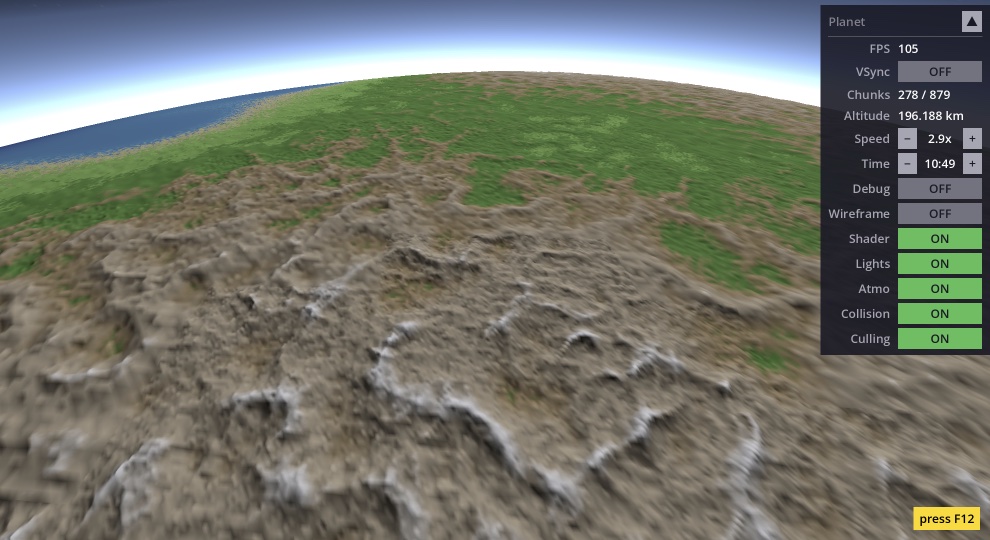
Each cube face is a quadtree. Chunks split near the camera and merge far away. Hysteresis prevents flickering, frame budget prevents stutter.
Shader terrain
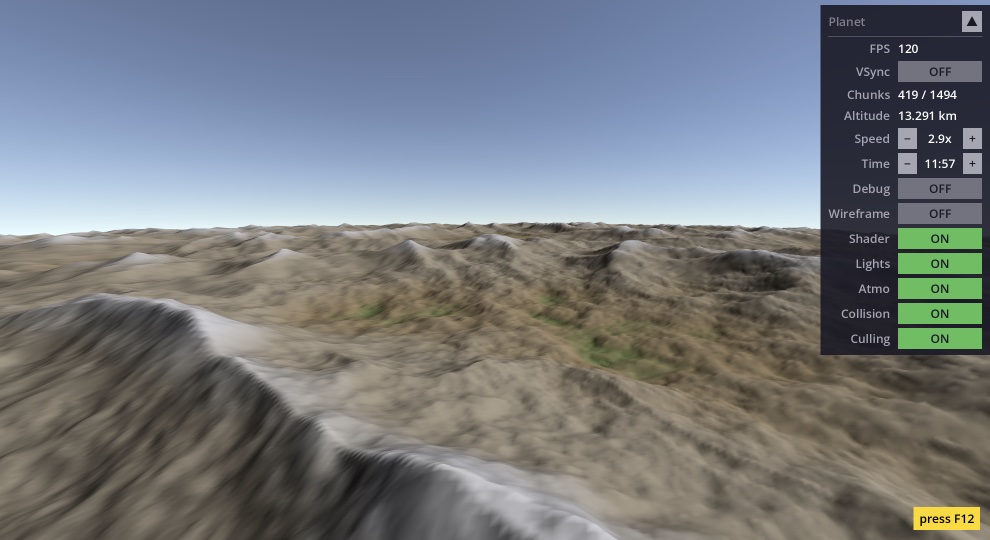
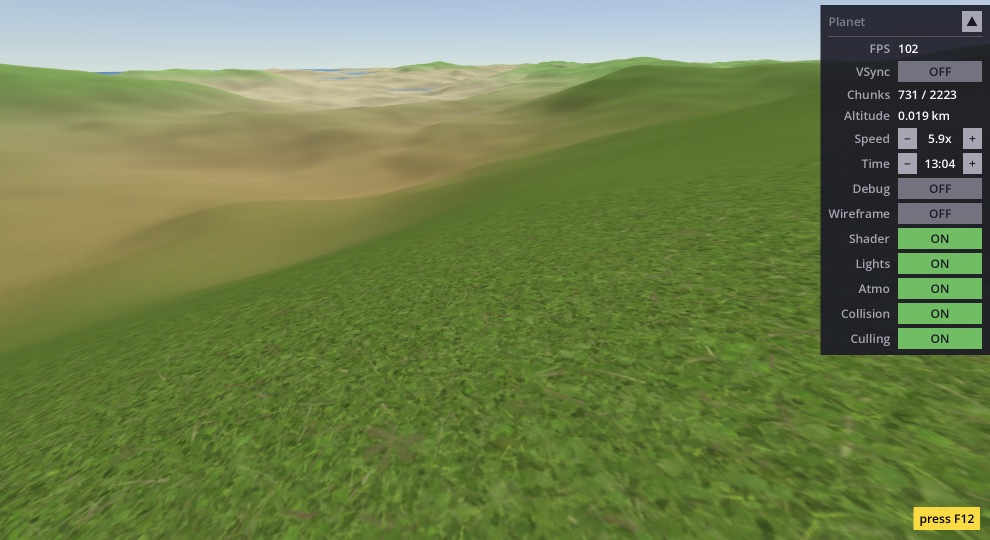
All terrain — geometry, color, textures, lighting — is computed by a single GLSL shader. 4 noise layers: continental, mountains, detail, micro.
Atmosphere
Rayleigh scattering computed per-pixel via ray marching. Blue sky from the surface, thin glow from orbit, sunset tones at the terminator.
Origin shifting
The world moves around the camera to keep vertex calculations near the origin. No jittering at planetary distances — no engine recompilation needed.
Frustum & horizon culling
Hierarchical frustum culling with AABB + angular horizon culling. Chunks behind the planet's curvature are skipped entirely.
Pure GDScript
No C++, no GDExtensions, no plugins. Just open the project in Godot and hit Play. Designed to be readable and easy to learn from.
Screenshots
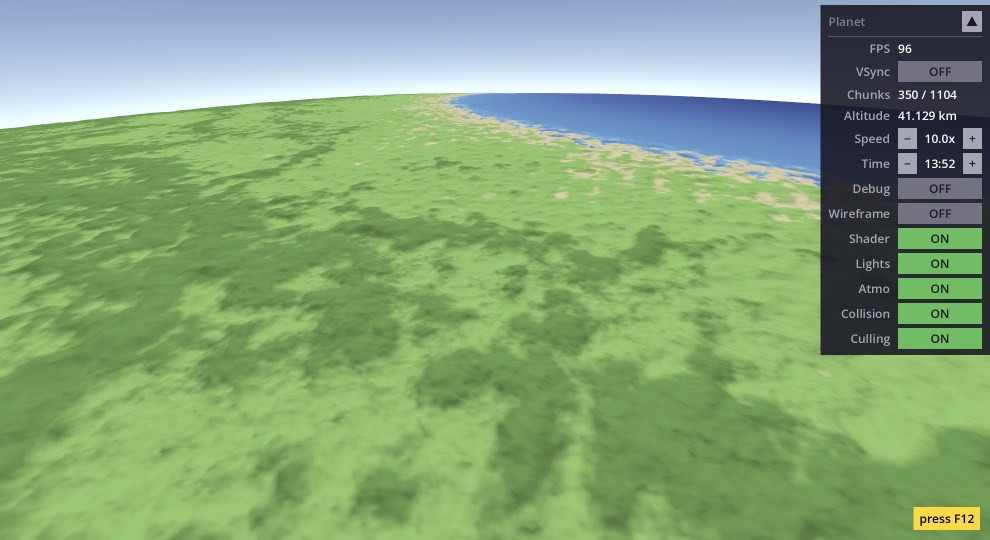
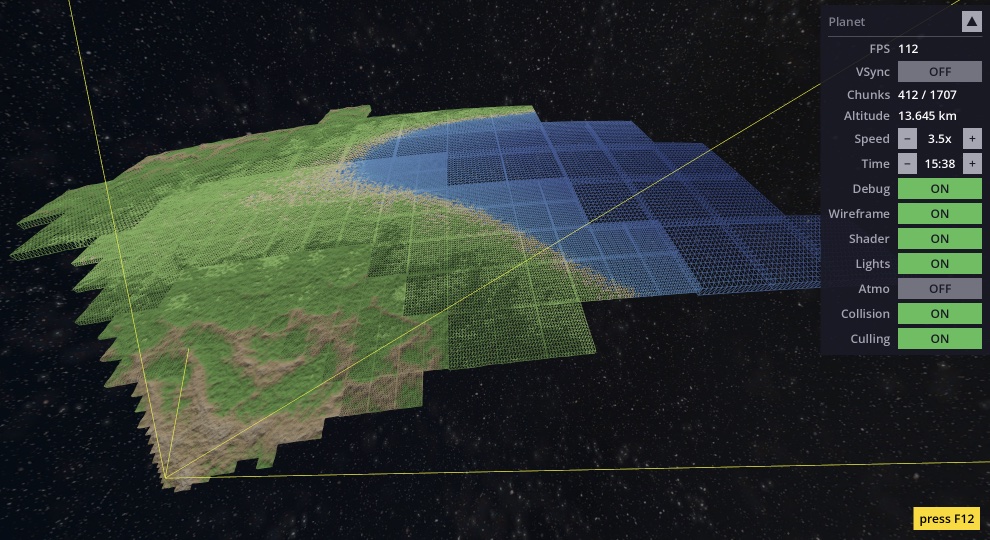
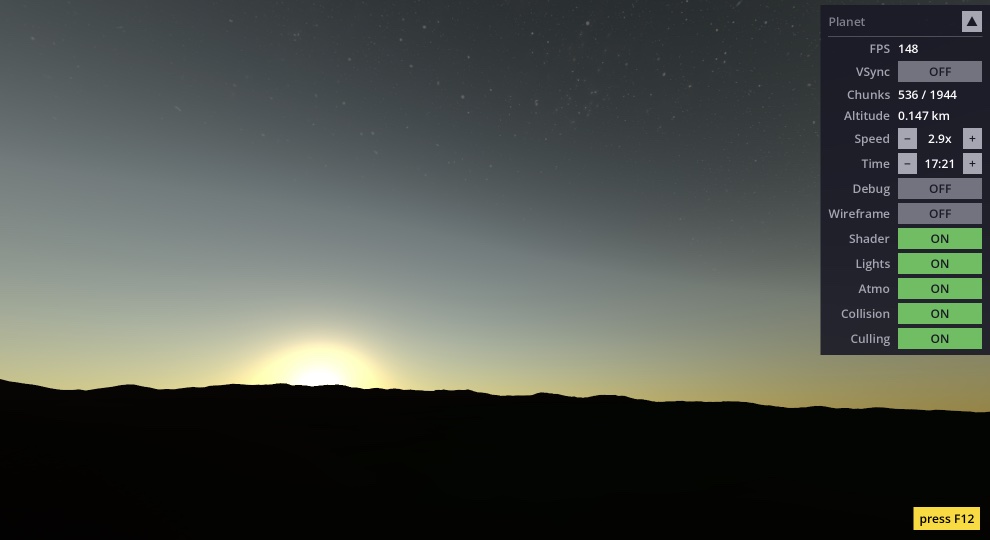
Rendering pipeline
The planet is rendered in five stages:
- 1. Cube → Sphere — Start with a cube. Project each face onto a sphere using the spherified cube mapping for uniform vertex distribution.
- 2. Quadtree LOD — Subdivide each face into a recursive tree of chunks. Split near the camera, merge far away.
- 3. Mesh building — Each chunk is a 17×17 grid on the sphere. Chunks are recycled from a pool. Split reuses ~28% of parent vertices.
- 4. Shader terrain — A GPU shader displaces vertices with procedural noise and colors everything per-pixel: ocean, grass, rock, snow, triplanar textures, Lambert lighting.
- 5. Atmosphere — A second shader renders Rayleigh scattering on a transparent sphere. Blue sky, sunset glow, star blending.
Getting started
- 1. Clone the repository
- 2. Open in Godot 4.6+
- 3. Press F5 (or click Play)
No build steps, no dependencies, no setup.
License
MIT — use it however you like. The full README includes a detailed implementation deep dive covering every technique used in the project.